
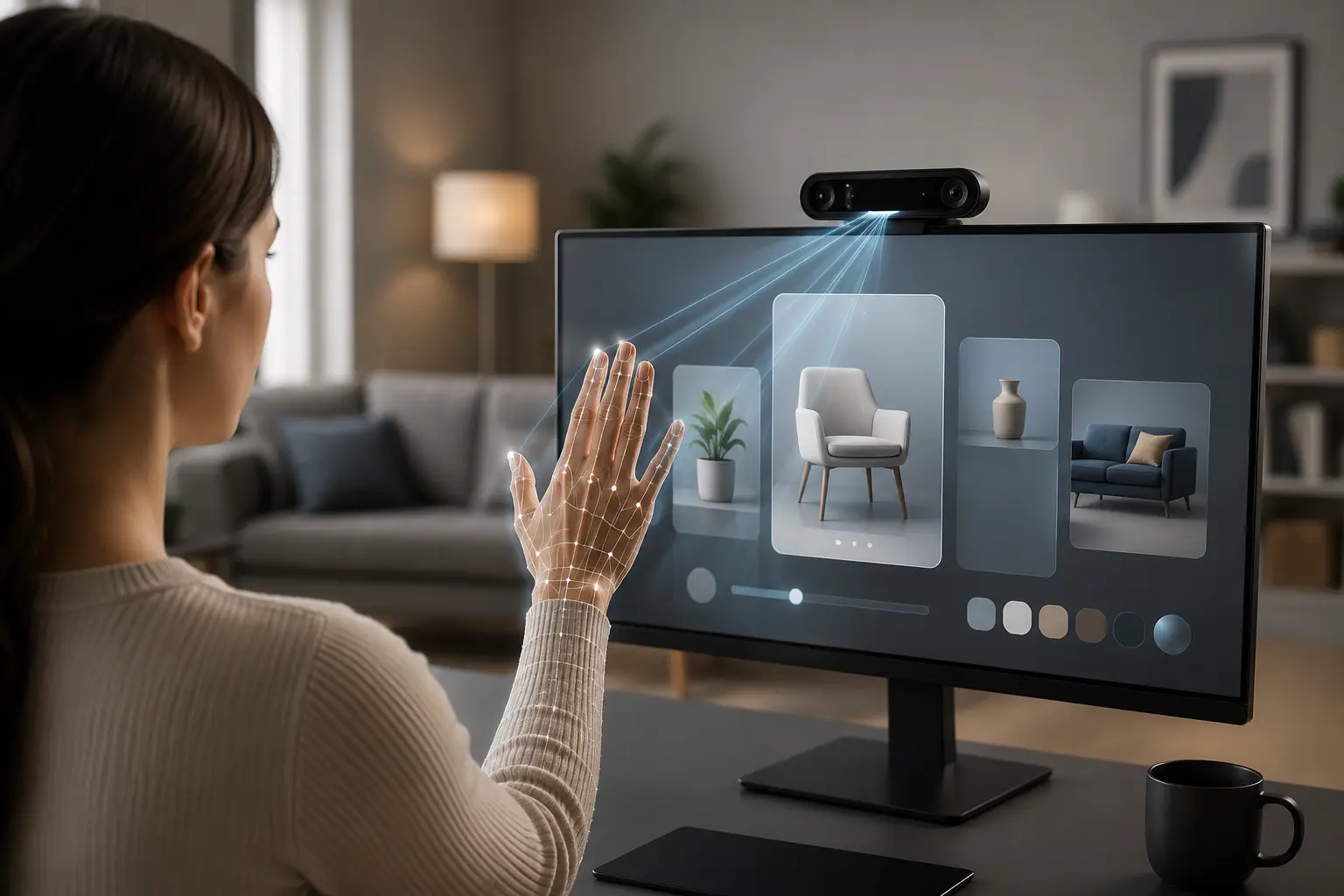
Motion tracking is changing how people interact with everyday technology. Think about your phone’s face unlock, fitness tracker, or gaming console’s gesture controls. All of these rely on motion sensors to detect movement in real time.
And this space is growing rapidly before our eyes. In fact, the global motion tracking system market reached $13.98 billion in 2025. But with all that growth comes a fair question: is motion tracking actually improving user experiences, or just adding unnecessary complexity?
The answer really comes down to the design process behind it. In this article, we’ll walk you through:
Ready? Let’s begin.
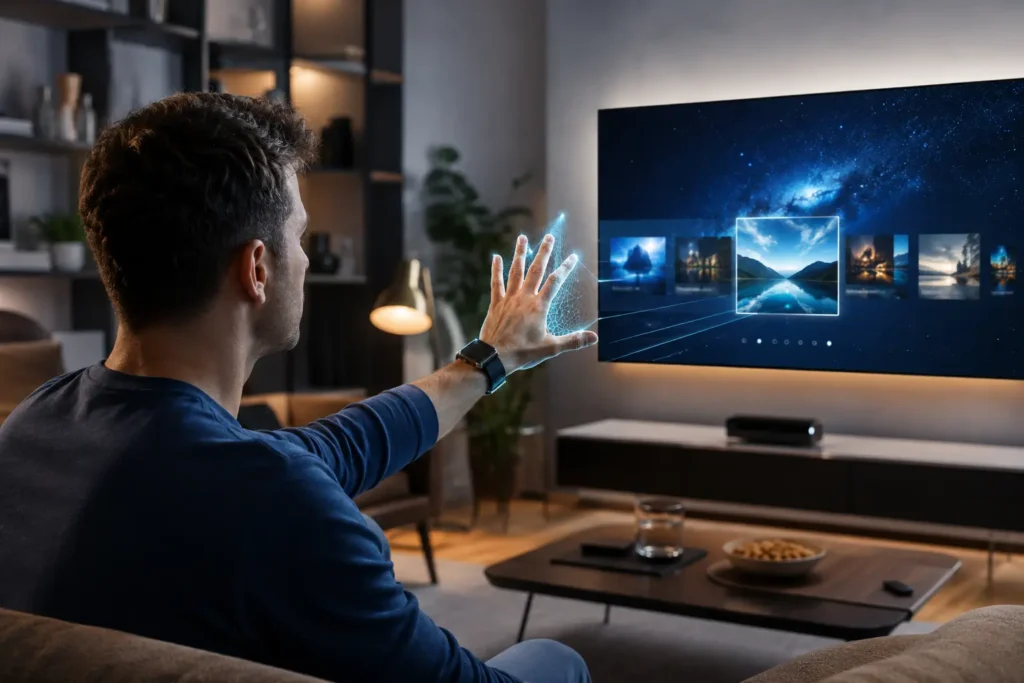
Motion tracking is changing how humans interact with devices by letting your body do the work instead of buttons or touchscreens. And it’s showing up in more places, like hospitals, factory floors, and your living room.
Here’s how it works, where it’s already being used, and why it only improves user experience design when the design process behind it is solid.
In simple terms, motion tracking uses sensors to detect a moving object and use that movement to trigger digital actions. Ever tried tilting your phone to rotate a map or waving your hand to skip a song? Those are motion sensors doing their job in the background.
The most common motion-tracking technologies include cameras, accelerometers, gyroscopes, LiDAR, infrared sensors, and wearable devices such as fitness bands. Each one measures movement differently.
Here, accelerometers detect straight-line movement, such as steps or tilts, while gyroscopes track rotation, like steering in a racing game. Whereas LiDAR (Light Detection and Ranging) maps 3D spaces using laser pulses, and infrared sensors power features like Face ID.
Most modern systems combine a few of these together to improve accuracy and responsiveness.
You probably use motion tracking more often than you realize (and no, it’s not limited to gaming). These are some of the most common places where motion sensors are already working behind the scenes:
This way, the industries that get the most value from motion tracking are the ones that focus on solving a real user problem (not adding new tech for the sake of it).
The real value of motion tracking in UX design is that it removes friction from everyday tasks. Instead of tapping through menus or typing commands, users can complete actions with natural body movements. That speed and simplicity also mean less cognitive effort for the person using it.
On top of that, motion-based interfaces allow users to operate devices without needing fine motor skills or grip strength. For people with physical disabilities, that kind of thoughtful interaction design can be genuinely life-changing.
HCI, or Human-Computer Interaction, is the study of how people interact with computers and digital systems. In user experience design, HCI research helps interaction designers build interfaces that match natural human behavior instead of forcing users to learn new, unfamiliar controls.
For example, waving your hand to dismiss a notification feels instinctive. But drawing a complex shape in the air to open an app doesn’t. Good HCI principles push designers toward the first kind of interaction and away from the second.
The goal is to make the technology feel invisible so users can focus on their actual task.
Now, of course not every interface needs gesture controls. Gestures are hidden controls after all, meaning users have to memorize them, and that takes effort.
We’ve seen teams add gesture-based interactions, such as swiping in the air or waving to control menus, simply because the technology was available. That’s the wrong approach. Usability testing with real users should always come first. If the research doesn’t confirm a genuine user need, the gesture control shouldn’t ship.
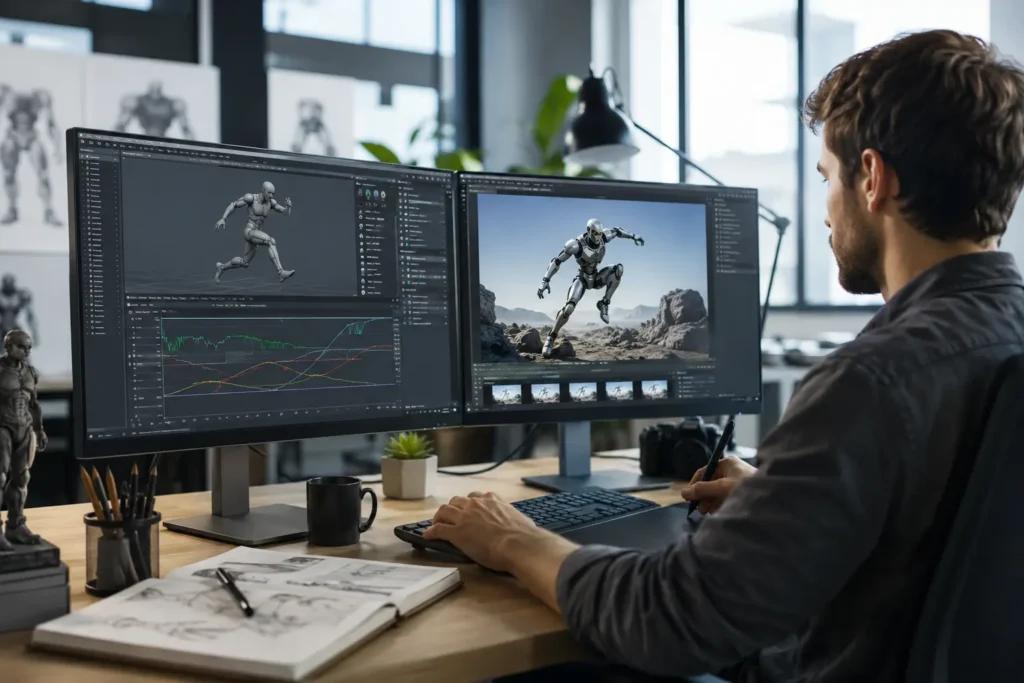
A well-designed motion interface doesn’t happen by accident. It follows a structured design process that starts with understanding the users and ends with testing that proves the interaction actually works.
Take a look at what that process looks like from start to finish, along with practical methods you can apply to your own projects.
Before anyone designs a single gesture, UX designers need to understand how their target audience actually behaves in real-world settings.
One of the best ways to do this is through contextual inquiry. It’s a method where researchers observe and interview users in their natural environment while they complete tasks.
Interviews and observational studies add even more depth to the picture. They reveal habits, frustrations, and physical limitations that a simple survey would never catch.
Our team has found that the best motion experiences come from spending time with users early (well before any design ideas start taking shape). Basically, the more you learn upfront, the fewer surprises you’ll run into later during development.
The next step is the iterative design process, and it works in cycles.
First, you brainstorm design ideas. Then you build a prototype, test gestures with real users, and refine the interactions based on their feedback. Each round should bring the experience closer to something people actually want to use.
What makes this work well is collaboration. UX designers, interaction designers, UI designers, developers, and engineers all need to be part of the conversation. This helps identify usability and technical issues before development begins.
For instance, a gesture that seems intuitive during the design stage may be difficult or impractical to build without early input from the engineering team. This way, when everyone stays aligned from day one, teams can avoid unnecessary changes and reduce rework later in the project.
Users rely on clear labels, logical page structure, and consistent visual elements to find what they need. Without strong information architecture and visual design backing it up, even the smoothest motion interaction will leave people feeling lost.
Here’s a simple way to think about it. A hand wave that opens a menu is only useful if the menu itself is well organized. Motion adds a layer of convenience on top, but the underlying UI design has to hold up on its own first. One doesn’t work without the other.
All of that design work still needs to be validated, and this is where many teams cut corners. Because usability testing for motion interfaces goes beyond just checking if a gesture “works.” You also need to measure gesture recognition accuracy, test for accessibility across different body types, and track whether users experience fatigue over extended sessions.
False positives are another common problem worth paying attention to. A system that triggers actions from unintended movements frustrates users quickly, and it erodes their trust in the entire interface.
Testing with real users under varied conditions is the only reliable way to catch these issues before launch. If something feels off during testing, it’ll feel even worse in the real world.
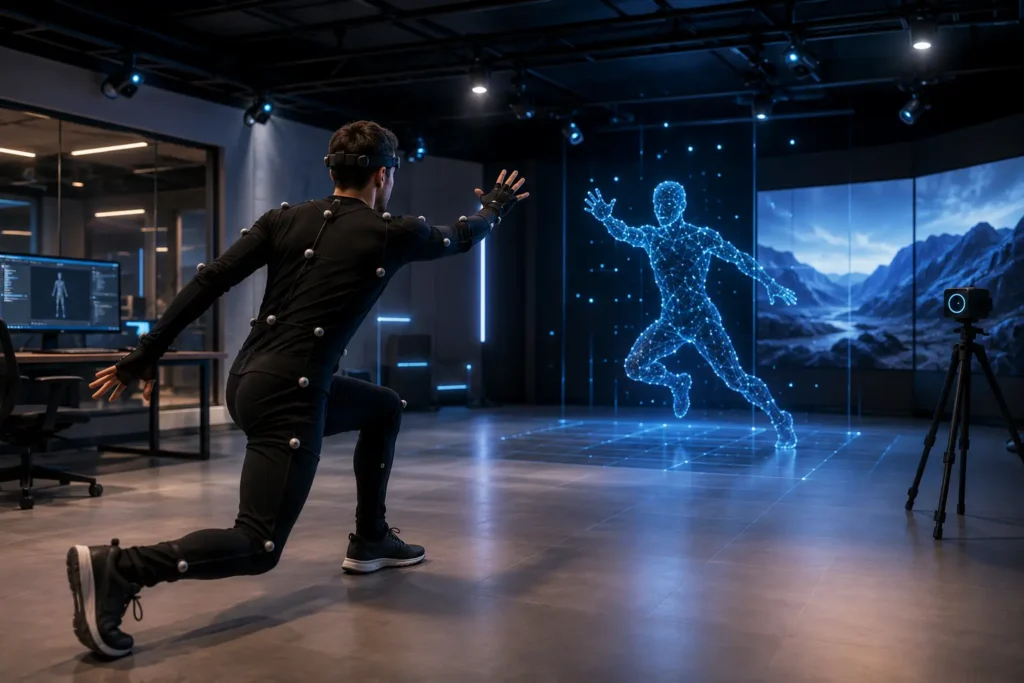
Motion tracking is heading in some exciting new directions. Spatial computing and mixed reality are already blending physical and virtual spaces together.
Plus, wearable technology keeps getting lighter and more responsive every year. On top of that, machine-learning-powered predictive systems can now anticipate how a user will move before they actually do.
Of course, all of that progress brings challenges too. For example, motion data can reveal personal traits and behavioral patterns that users never intended to share. Sensor accuracy still depends on the environment, and inclusive design for all body types is still catching up.
At Movea Tech, we’re focused on building motion-control interfaces that put user needs first. Explore our latest insights and resources.