
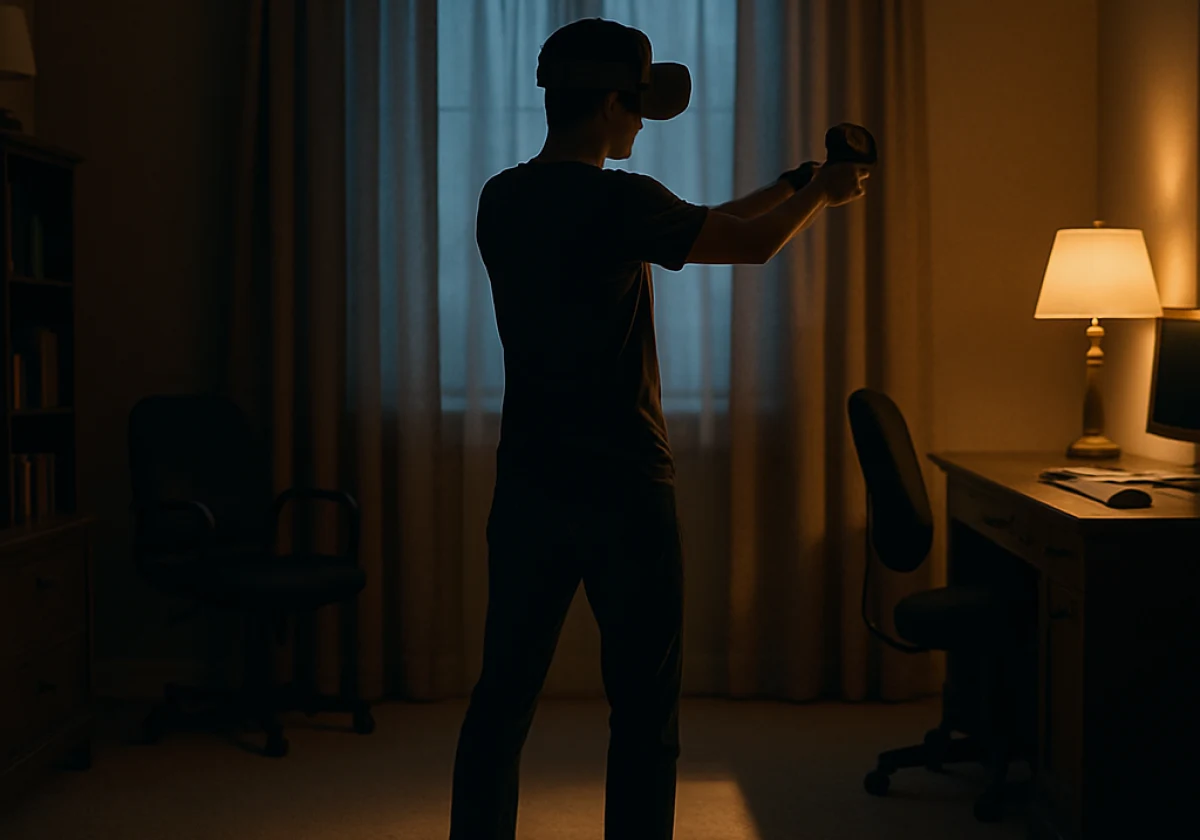
VR loses your hands when motion-tracking sensors lose sight of your controllers. Usually the cause is lighting, batteries, or a blocked camera. One second you’re drawing a bow, and the next your arms hang frozen at your sides.
That gap between what you do and what the headset shows breaks the illusion within seconds. Here at Movea Tech, we hear the same story from players across the US. Broken hardware is almost never the reason.
This guide covers why tracking drops out, what your room has to do with it, and how to fix it on every major system. Let’s get your hands back.
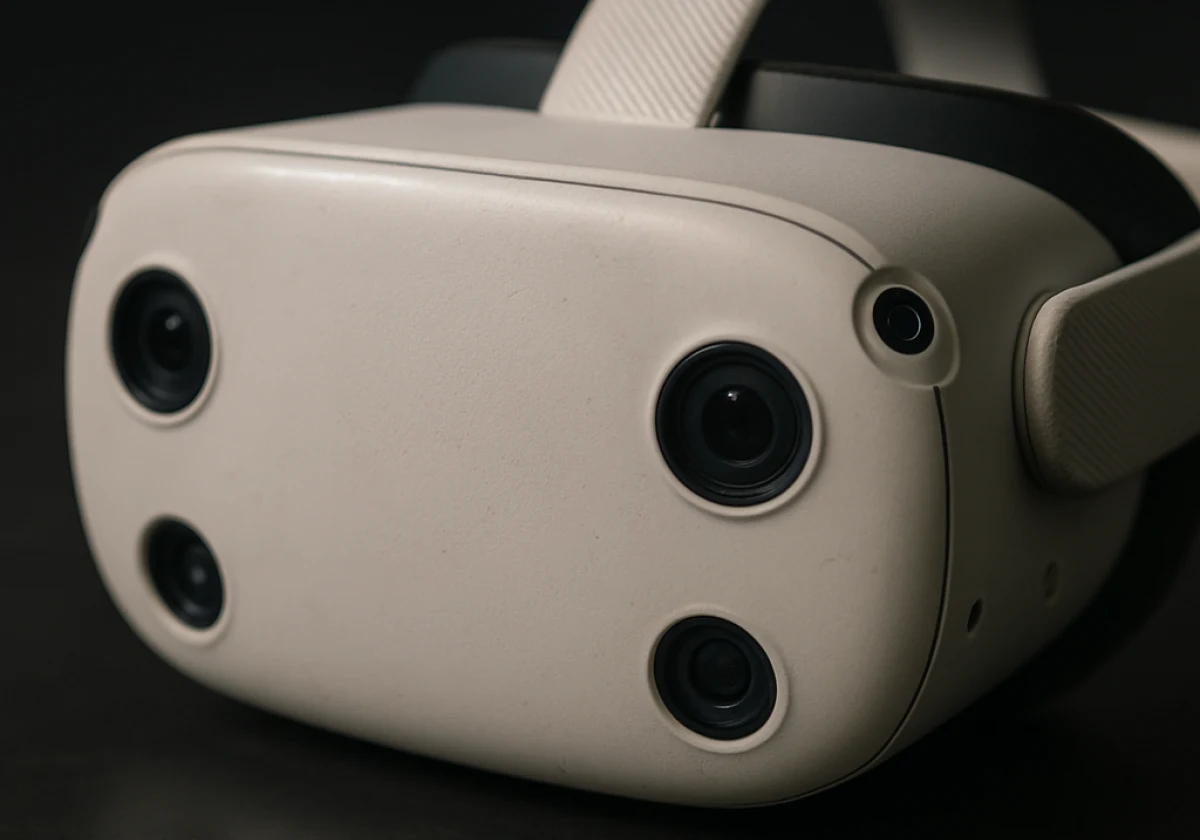
VR tracking problems happen when the headset cameras can’t read your position reliably. So your headset guesses where both controllers sit hundreds of times a second. Even a short gap in that data shows up as a visible glitch.
Three pieces explain almost every case. Cameras are the right place to start.
Cameras on the front and sides of a VR headset track the infrared LEDs around the controllers. The headset uses these light patterns with a map of the room to work out where the controllers are, usually 60 to 90 times a second.
The controllers also contain an IMU, a small sensor that measures movement, speed, and tilt. It fills in the gaps between camera readings, so tracking can continue even when the cameras briefly lose sight of the LEDs. The IMU can estimate the controller’s movement for a short time, but its accuracy drops as the gap gets longer.
These two systems work together to keep your hands tracked during brief interruptions. Instead of disappearing straight away, the controllers may slowly drift as the headset relies more on the IMU. Newer headsets can also use AI to predict movement, helping cover very short tracking gaps.
Sunlight, mirrors, and glossy floors can cause more VR tracking problems than faulty hardware. Direct sunlight fills the room with infrared light, which overpowers the LEDs on your controllers. As a result, the headset cameras may struggle to keep track of them.
Mirrors and dark TV screens can cause a different problem because they reflect the controllers. The cameras may mistake those reflections for real controllers. This can make your movements appear inaccurate. We have watched a player’s aim swing wide whenever he walked past a hallway mirror (one bedsheet over the glass fixed it).
A very dark room can also affect tracking, but for a different reason. The cameras need visible details on walls and furniture to keep the room map stable. When blackout curtains or plain white walls leave little detail to detect, the headset has fewer points it can use to track the space.
Drift and disappearance can feel similar while you are playing, but they happen for different reasons.
Here, drift starts when the headset still knows roughly where your controller is, but the IMU gradually loses accuracy. As that estimate becomes less reliable, your hand slowly moves out of place over several seconds.
A full tracking dropout happens when the cameras can’t detect the controller LEDs at all. When that happens, the controller may freeze until the cameras pick it up again. Low batteries can make the LEDs weaker before the headset shows a warning, so replacing the batteries is worth checking before assuming the hardware has failed.
The same basic problem can happen with full-body trackers. Loose straps let a tracker move during play, while a sagging leg tracker can change your body position in VR. Once the tracker has shifted, recalibrating the sensors in SlimeVR Settings restores their correct positions.
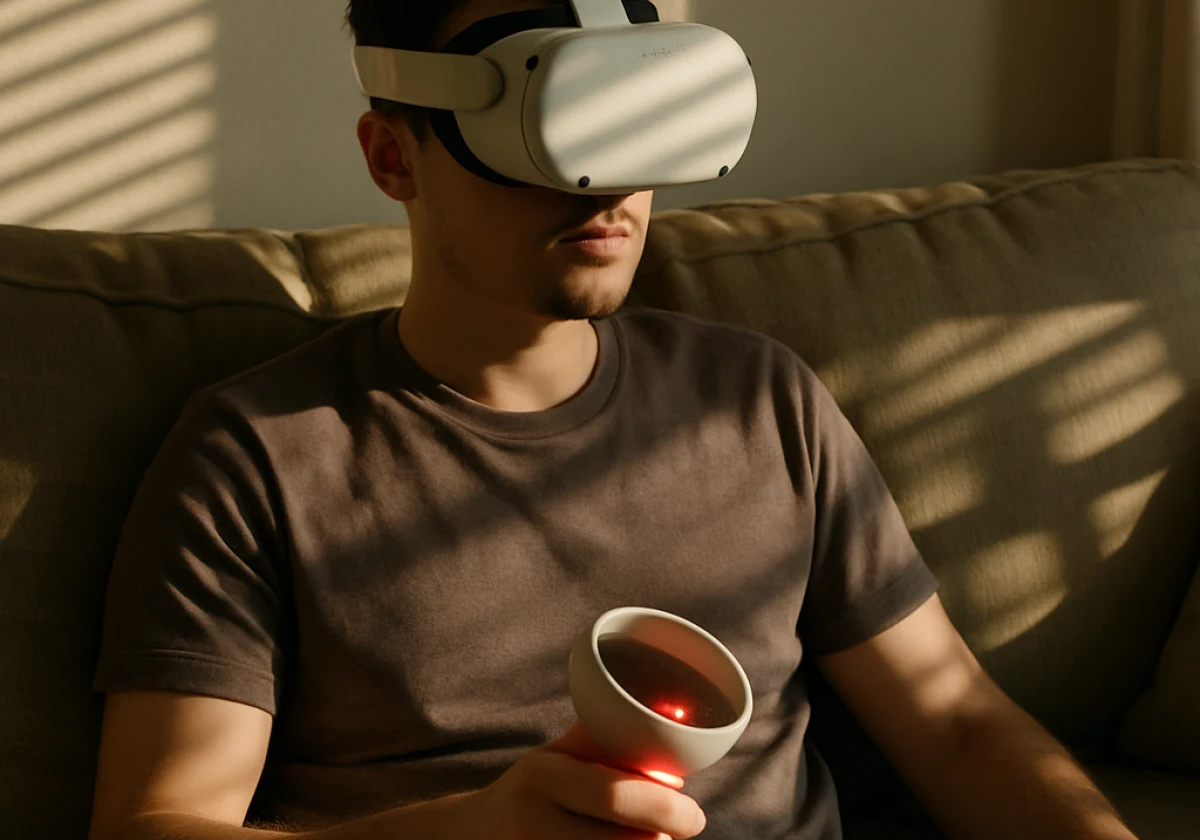
Quest owners flood support forums with one complaint: controllers that freeze, float away, or vanish mid-game. Meta headsets outsell every rival, so their quirks fill more threads than PC or console systems do.
Four causes explain most of what those posts describe:
We recommend starting with the batteries and camera lenses because both checks take only a few minutes. If the problem continues, check Meta’s support pages for firmware updates and further troubleshooting steps.
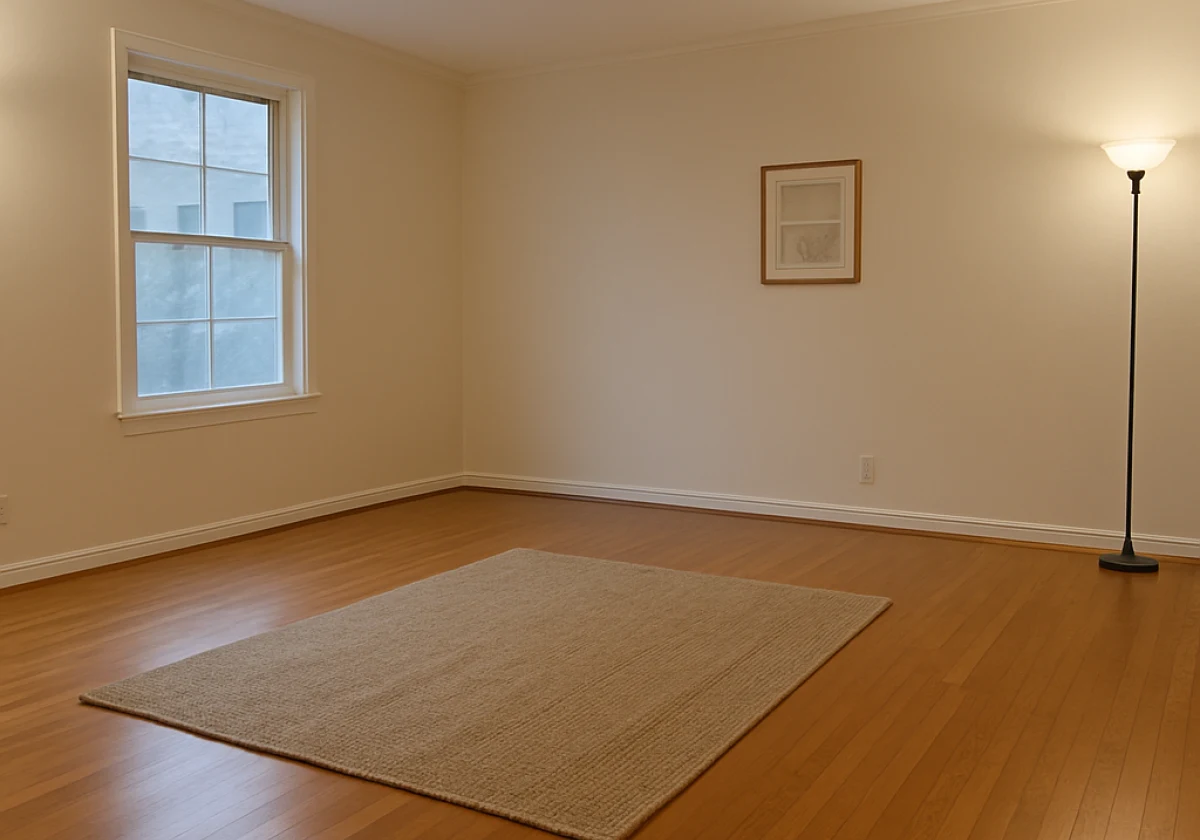
Small changes to your room can prevent most VR tracking dropouts. Start with the lighting because the cameras need enough detail to track the space without being overwhelmed by strong infrared light. Two lamps bounced off a white ceiling provide steady lighting without the problems caused by direct sunlight.
Once the lighting is right, check the surfaces around your play area. Cover mirrors and reduce glare from glass tables so the cameras do not pick up confusing reflections. A textured rug or a few posters on plain walls also give the cameras more detail to use when tracking the room.
With the room prepared, make sure you have enough space to move safely. Meta recommends at least 6.5 by 6.5 feet for room-scale play before setting a boundary. That space can disappear quickly once furniture gets in the way, especially when you are moving around during a game.
Base station setups follow different rules, since SteamVR sensors watch you from above. Mount them high in opposite corners at a downward angle. Then confirm mounting orientations in SteamVR before you decide a sensor has died.
Full-body trackers need careful mounting for the same reason. A strap turned the wrong way can send accurate movement data to the wrong part of your body. If your legs bend the wrong way or your feet float, check the straps and run mounting calibration first.
An IK calibration can then fix remaining body-position issues, while skating correction and floor-clip settings help prevent your feet from sliding or sinking through the floor.
Once you know why tracking fails, the fix for your headset usually takes a few minutes. Every platform hides its reset somewhere different, so match the step below to the system in your hands.
| Headset | Most reported failure | Fix that works |
|---|---|---|
| Meta Quest 3 / Quest Pro | Controllers freeze during busy games | Fresh batteries, clean lenses, cleared boundary |
| PlayStation VR2 | Hands drift under dim lamps | Add indirect light, rebuild the play area |
| HTC Vive / SteamVR | One tracker drops out mid-session | Remount base stations, rerun room setup |
| SlimeVR trackers | Limbs bend the wrong direction | Tighten straps, redo mounting calibration |
Earlier PlayStation VR models were criticised for tracking issues, while newer inside-out tracking systems have improved the experience. Whatever headset you use, try these basic fixes before opening a support ticket. A firmware update may also solve the problem.
Tracking problems often come from the room rather than the hardware. First, check the batteries, clean the lenses, and use steady indirect light, as these simple steps can solve many common issues.
Once those basics are covered, work through the fixes in order instead of changing several things at once. You can often find the cause within a few checks, and a few minutes of setup is able to keep tracking stable for much longer.
Movea Tech builds motion tracking technology for developers and players who need hands that stay where they belong. Ready to stop chasing dropouts? Talk to Movea Tech about tracking that holds steady.