
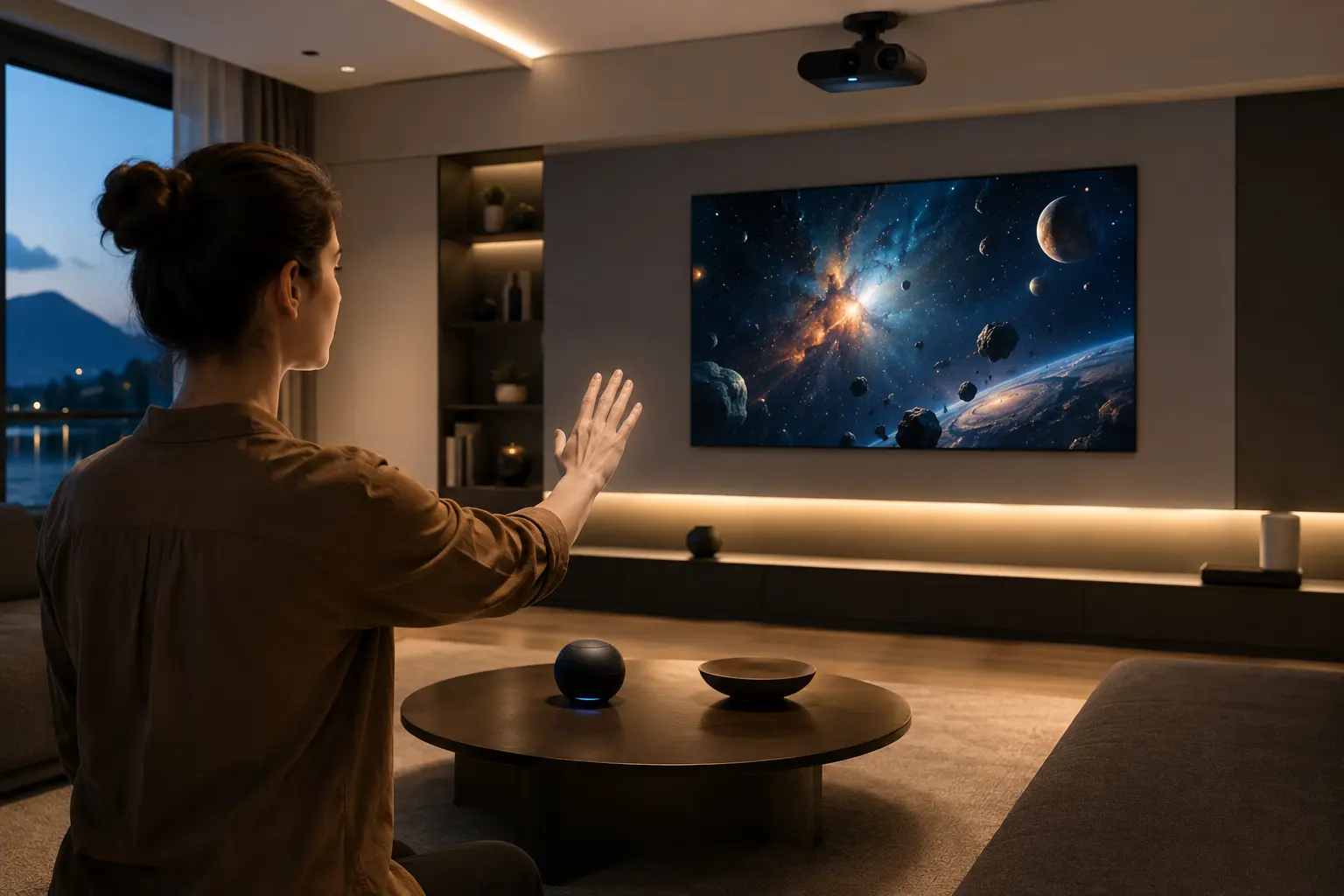
Gesture control has untapped potential beyond smartphones because most industries haven’t figured out how to use it yet. The technology already works in gaming consoles and AR/VR headsets, but fields like healthcare, manufacturing, and education are only getting started.
Moreover, a lot of people still think gesture recognition only means swiping on a phone. The reality is that motion sensors and hand tracking can now interpret movements from up to 5 feet away.
So why haven’t we moved past touchscreens and keyboards? Because they require physical contact and don’t always work well in places like operating rooms or factory floors.
In this article, we’ll break down how gesture control works, the challenges it faces, and where its greatest opportunities are.
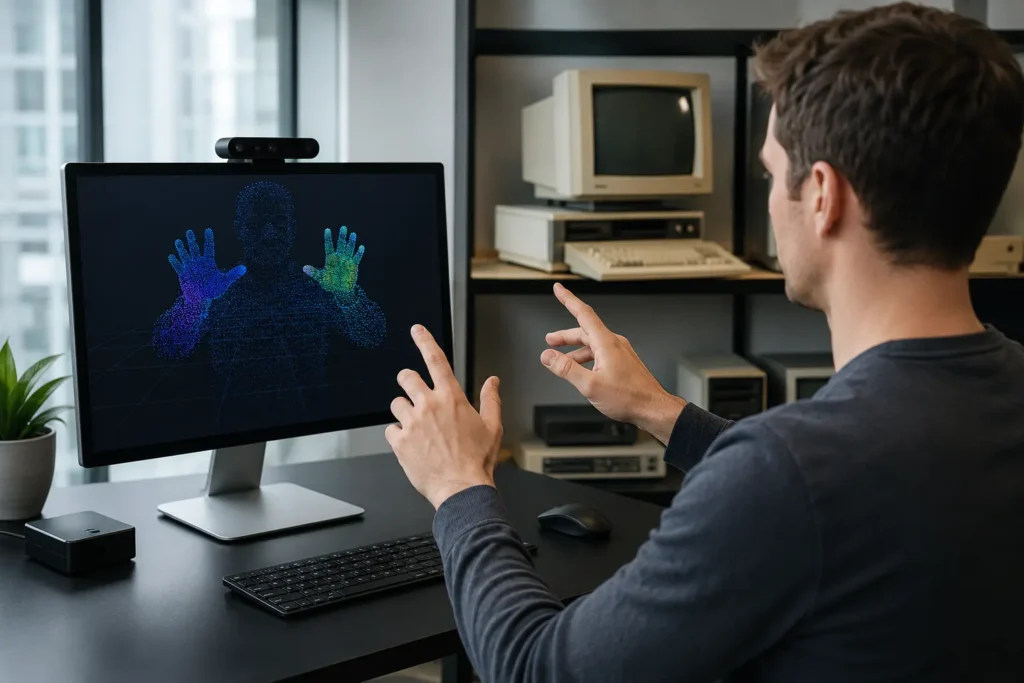
Gesture recognition in computer systems has changed a lot over the past few decades. What once lived only in research labs now shows up in phones, gaming consoles, and even hospitals.
Here’s a closer look at how the technology works and why it still has room to grow.
Research into human-computer interaction (HCI) with gestures goes back to the 1960s, when scientists at places like MIT first experimented with camera-based input.
Those early systems could only pick up a few simple movements, and accuracy was a struggle. As you can guess, most people found them clunky and frustrating, so adoption outside of labs was almost nonexistent.
That started to change in the 2000s. Gaming consoles like the Nintendo Wii and, later, Microsoft Kinect brought motion technology into everyday living rooms. Meanwhile, smartphones popularised touch gestures like swiping and pinching with the launch of the iPhone in 2007.
These two shifts made gesture control feel normal to millions of people almost overnight.
The process follows three steps. First, cameras or motion sensors detect hand or body movement in real time. Then artificial intelligence processes that raw sensor data to figure out what the gesture means. Finally, the system responds with a matching command on screen.
One of the harder parts is separating intentional gestures from accidental movement. For example, scratching your nose shouldn’t trigger a menu.
Hand tracking models solve this by mapping out finger and wrist positions with high precision. Meanwhile, AI algorithms classify each gesture by comparing it against thousands of learned patterns.
Basically, the whole thing runs as a continuous loop of input, processing, and output.
A few major breakthroughs came together at the right time.
Artificial intelligence, particularly deep learning, got much better at reading complex movement patterns. Sensors and cameras also became more accurate and physically smaller, which made them easier to fit into compact devices like smartwatches and AR headsets.
Faster processors helped a lot too. For context, modern chips can process gesture data in under 20 milliseconds (which feels instant to the user). On top of that, recent improvements in lighting adaptation mean the technology now works reliably even in dim rooms or outdoor settings with uneven sunlight.
This combination of upgrades is what finally made gesture recognition practical beyond controlled lab environments.
The answer comes down to a few persistent problems.
Gesture fatigue is one of the most common complaints. Holding your arms up or repeating the same hand movements gets tiring fast, especially during tasks that last more than a few minutes.
There’s also a steep learning curve that slows things down. Because unlike tapping a clearly labeled button, gestures aren’t always obvious to new users. You have to memorize which movements trigger which actions, and that lack of discoverability frustrates a lot of people early on.
Privacy concerns add to the hesitation too, since camera-based systems raise questions about who can see the data and where it gets stored.
For all these reasons, gesture control works best right now as a companion to touch, voice, and keyboard input rather than a full replacement. Each method has its strengths, and the practical approach is combining them based on the task at hand.
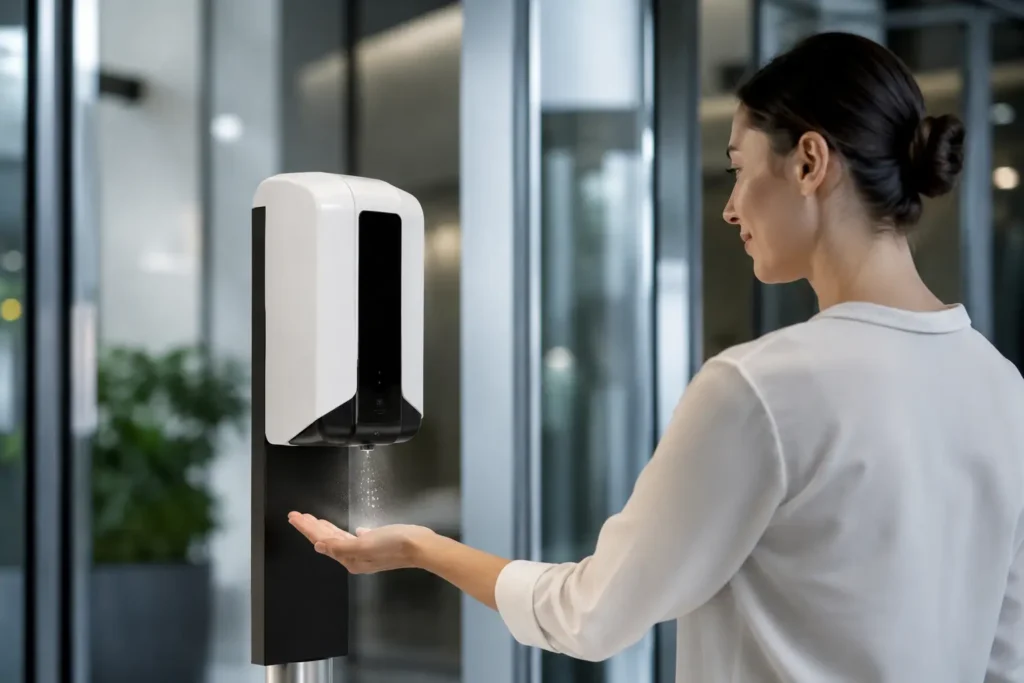
Touchless technology removes the need to physically touch a device, and that alone opens doors in places where regular interfaces fall short. Hospitals, factories, and public spaces all benefit from hands-free interaction.
Let’s look at where gesture control makes the most practical difference.
In sterile operating rooms, every surface a surgeon touches is a contamination risk. That’s why touchless gesture control is such a good fit here.
It lets medical teams browse imaging systems without breaking sterile protocol. A surgeon can swipe through MRI scans using mid-air hand gestures, which keeps the workflow moving and the environment safe.
Beyond the operating room, gesture recognition also works well as assistive technology for patients with mobility challenges. In other words, people who struggle with fine motor tasks can control hospital room settings, smart home devices, and communication tools through simple body movements.
For someone who can’t grip a mouse or tap a screen, this kind of natural interaction can be life-changing.
If you’ve ever tried using a touchscreen while wearing thick safety gloves, you already know the frustration. In factories and warehouses, that problem comes up dozens of times a day. Touchless interfaces fix this by letting workers control equipment through mid-air hand gestures instead of fighting with unresponsive screens.
And there’s a safety benefit on top of that. Workers can interact with machinery displays without stepping away from their stations or removing protective gear. Physical buttons and dials also wear out over time, so reducing that contact means less maintenance and fewer equipment swaps down the line.
Gesture control isn’t only for high-tech labs and hospitals, though. Chances are, you’ve already used it without thinking twice. These are some everyday spaces where touchless technology is already showing up, along with a few where it’s just getting started:
The common thread across all of these is convenience paired with hygiene. As motion sensors get smaller and cheaper, these kinds of applications will only keep expanding.
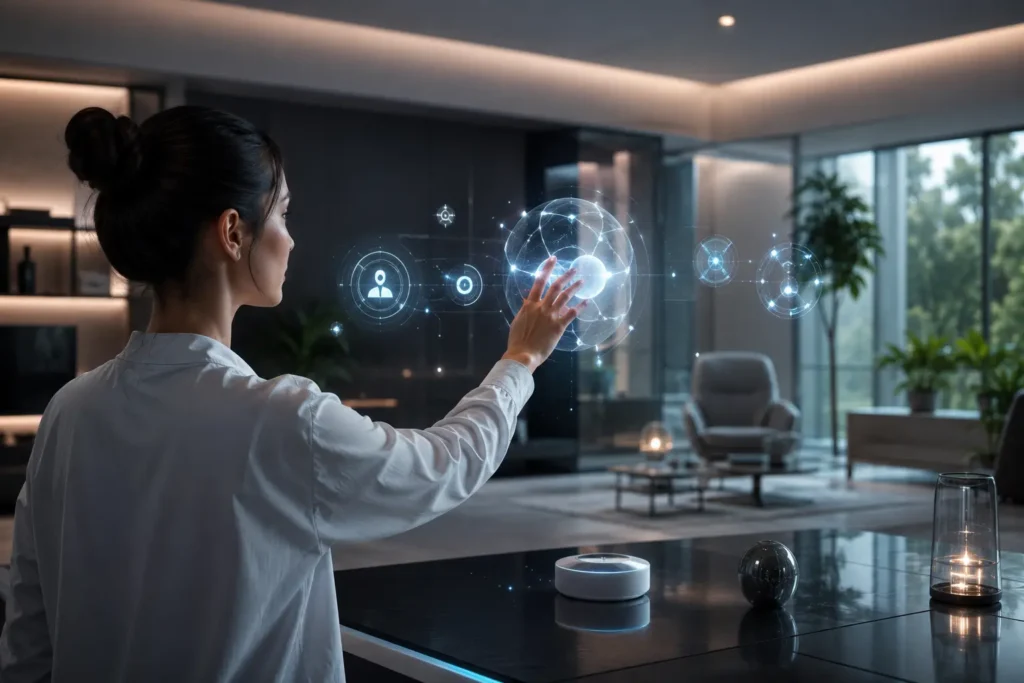
So, what do you think about where gesture control is headed? The answer really depends on how well the technology fits the task. Like, it makes perfect sense in operating rooms and factory floors, but it doesn’t need to replace your keyboard at a desk.
Looking ahead, industries like logistics, transportation, robotics, and education are all moving toward touchless technology fast. Still, challenges like accessibility, privacy, and standardization need attention before gesture recognition can go fully mainstream.
At Movea Tech, we follow these developments in human-computer interaction and motion technology closely. If natural interaction and gesture control interest you, we’ve got plenty more to share.