
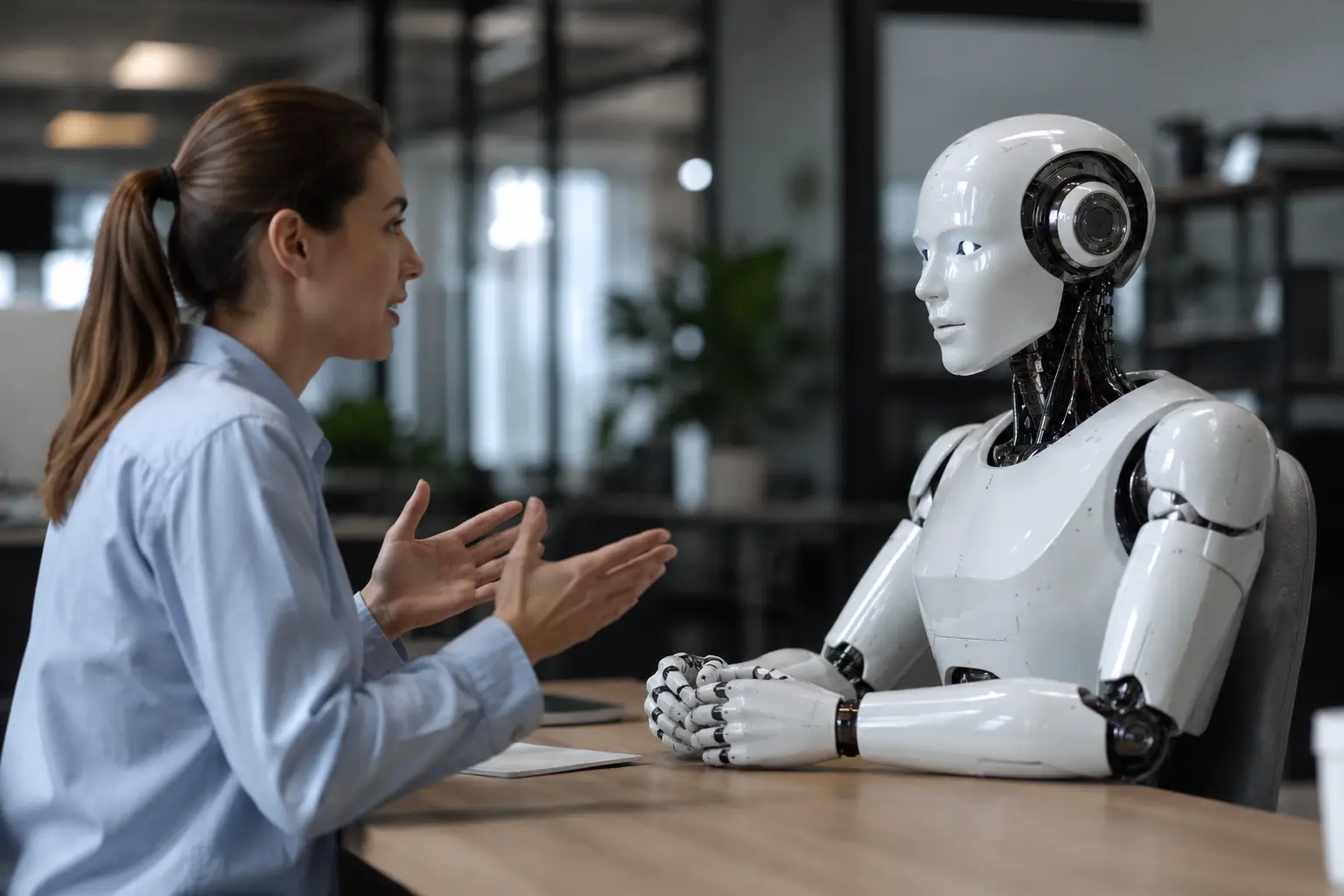
Human computer interaction is no longer just about screens. For decades, a keyboard, a mouse, and a touchscreen defined how everything worked. Voice, motion, wearable technology, and spatial computing have since changed that picture entirely.
You don’t have to be a developer to notice the change. This shift is already showing up in hospitals, warehouses, classrooms, and living rooms worldwide. The way humans interact with computers is expanding into territory no screen can cover.
This article walks you through how user interfaces have evolved and where spatial computing and augmented reality are taking things next. Let’s get into it.
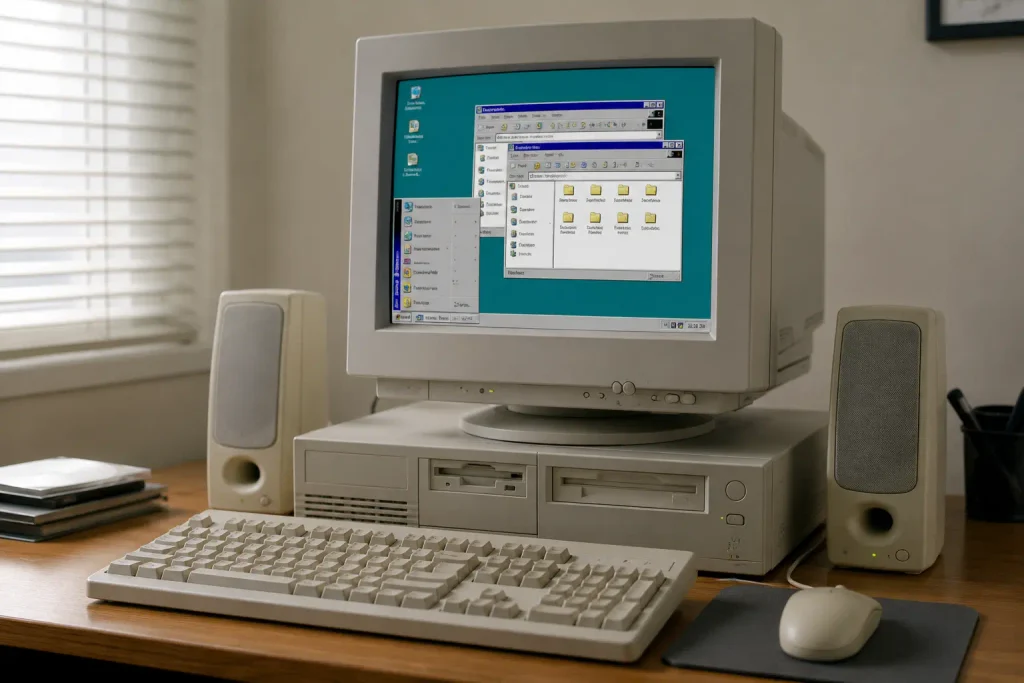
Using a computer once meant typing commands into a blank screen just to open a file. The Graphical User Interface (GUI) replaced all of that with icons, windows, and a pointer anyone could use.
That one change opened up computer systems to people who’d never written a line of code. Anyone could open files, run programs, and work through a visual interface without memorizing a single command (yes, including your dad’s 1994 family desktop).
And the ripple effect was enormous. Personal computers moved into homes, schools, and offices worldwide. Computers were no longer limited to people with technical skills; they became part of everyday life.
Over the following decades, screens became the one thing every device had in common. The problem is that a screen can only show you a flat window into information. It can’t move with you, it can’t place data where you physically need it, and it demands your full visual attention every time you use it.
And those limitations are exactly what spatial computing was built to overcome.
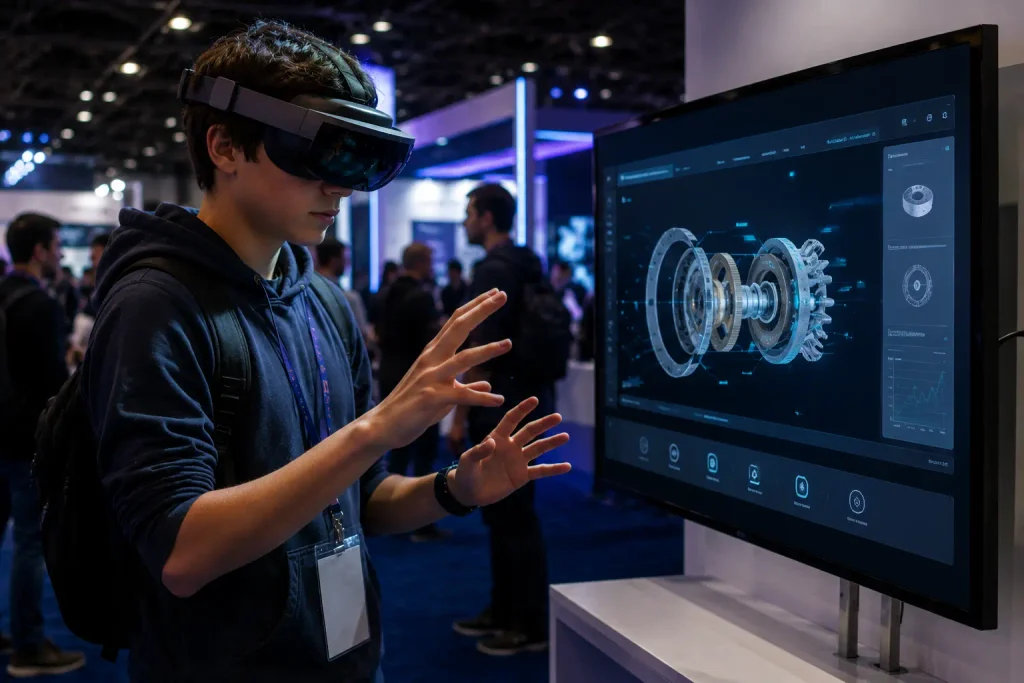
Spatial computing is the answer innovators have been working toward. Early attempts to move beyond screens leaned on virtual reality, which replaced the physical world with a fully digital one. That solved the flat-screen problem but created a new one: once a headset blocks out your surroundings, you lose the ability to interact with anything real.
Spatial computing takes the opposite approach. Instead of replacing reality, it layers digital content directly into your physical environment across three dimensions.
And that isn’t just theory anymore. We’ve watched spatial computing move from a lab concept to something people actually buy and use. If you’ve seen someone using the Apple Vision Pro in a coffee shop and done a double take, you’ve already witnessed this shift in person.
Apple’s spatial layout guidelines show how spatial computing devices handle natural user interactions with precision. These devices can also use eye and hand input instead of traditional controllers, making interactions feel more natural. Modern devices now have enough computing power to run these experiences smoothly.
Screens keep digital content flat and fixed. Augmented reality and mixed reality both push past that limitation, each in their own way. They sit close on the spectrum, but the difference between overlaying information and physically interacting with it is where some of the most interesting interaction design is happening right now.
Let’s have a look at how each one works:
Augmented reality layers digital content over the real world through a live camera or smart glasses. It’s like a GPS overlay, with digital directions on top of the road while reality stays right underneath.
Microsoft Research has taken this further by developing haptic controllers that let users physically feel virtual objects. That work bridges the gap between seeing digital content and actually feeling it in your hands.
Mixed reality adds a new dimension to this. It lets you interact with virtual objects as if they’re physically in the room with you.
A surgeon, for instance, can pull up patient data mid-procedure without shifting focus. An engineer, on the other hand, can manipulate a 3D model directly on a real workbench. In both cases, digital information stays within the user’s physical workspace instead of being confined to a separate screen.
That same shift is also driving the rise of voice and gesture control, which takes screen-free interaction even further.
Voice commands and hand gestures let users interact with devices without touching a screen. That’s a direct win for older adults, people with mobility issues, and professionals who can’t stop mid-task to tap a button.
In our motion-control research, we’ve seen gesture recognition reach a level of accuracy that holds up in real clinical and professional settings. A few groups are feeling this shift more than others:
The less a user has to think about how to interact with a device, the more useful that device becomes. AI-driven improvements in voice recognition and gesture tracking are already closing that gap, and the hardware is keeping pace.
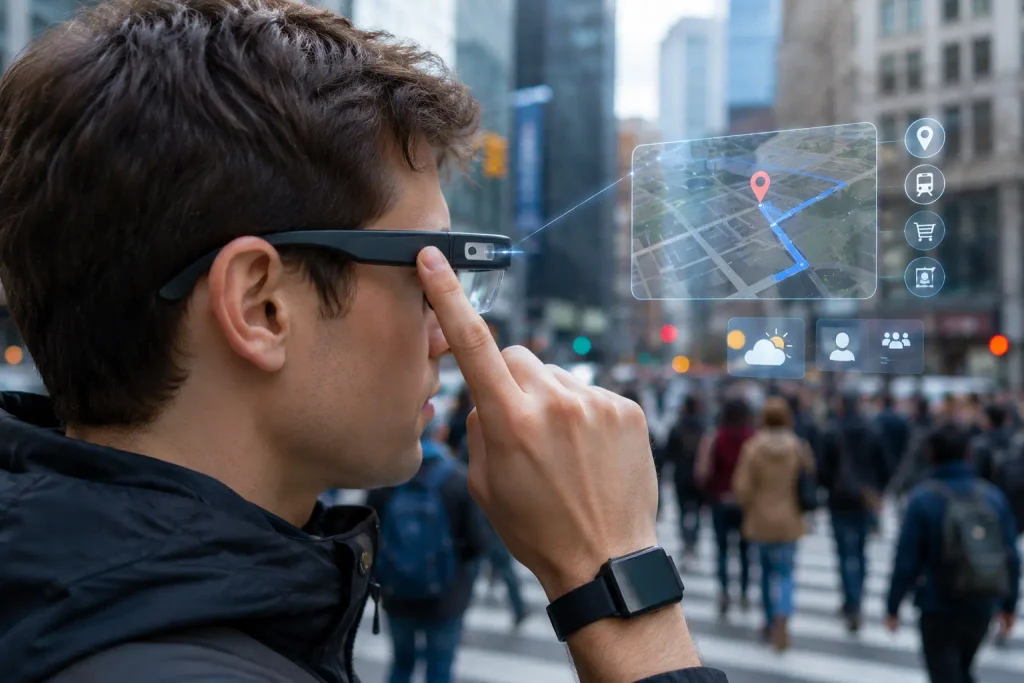
Technology has always demanded your full attention. You stop, look at a screen, interact, and then get back to what you were doing. Smart glasses and wearable technology break that cycle by putting digital information directly in your line of sight.
Through our work in motion-control research, we’ve watched wearable interfaces move from concept to surgery rooms. For instance, a surgeon can view patient data mid-procedure without looking away, and a warehouse worker can get pick instructions entirely hands-free.
According to a peer-reviewed study in Biosensors, wearable sensors already track vital signs and monitor physical activity in clinical settings. Smart clothes take that capability off the wrist and into the fabric itself, running continuously without any extra devices.
Sadly, battery life is still a real barrier. Most smart glasses usually last under three hours of active use, which prevents widespread adoption in industries where all-day wear is non-negotiable.
As you’ve learned here, screens were never the final destination. Voice control and spatial computing are addressing the limitations flat displays have always had. In fact, hospitals, warehouses, and engineering firms are already putting these solutions to work today.
The graphical user interface started this story. Spatial computing, augmented reality, and wearable technology are what come next, and understanding that shift puts you in a much better position to adapt to it.
The interface world is moving quickly, and staying informed puts you ahead of it. Our team at Movea Tech specializes in motion-control and motion-tracking technology. We also publish research, reviews, and practical guidance to help you make sense of where this industry is heading.
Don’t get left behind.